CoDrone EDU
Explore all the things you can do with the CoDrone EDU in your classroom
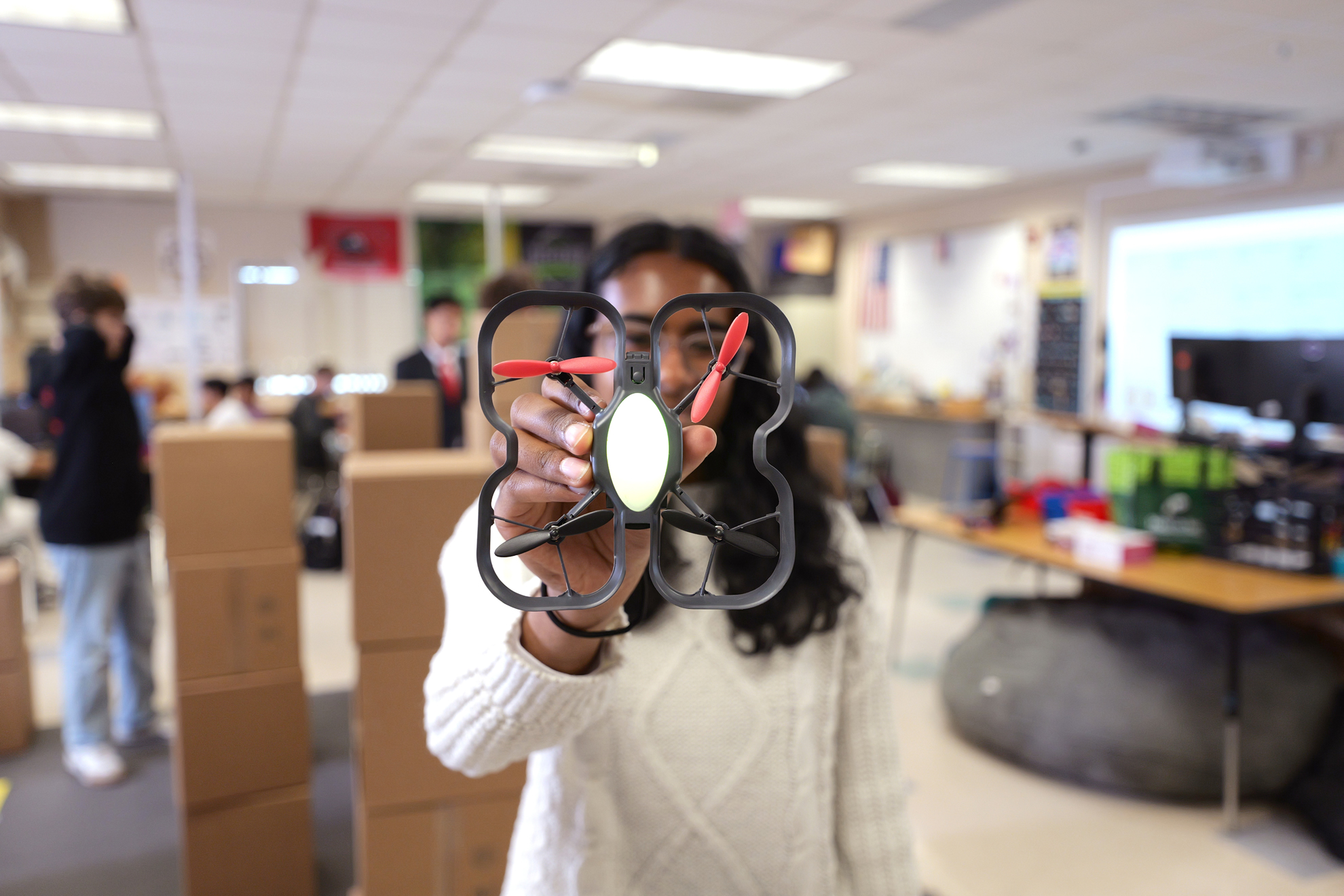
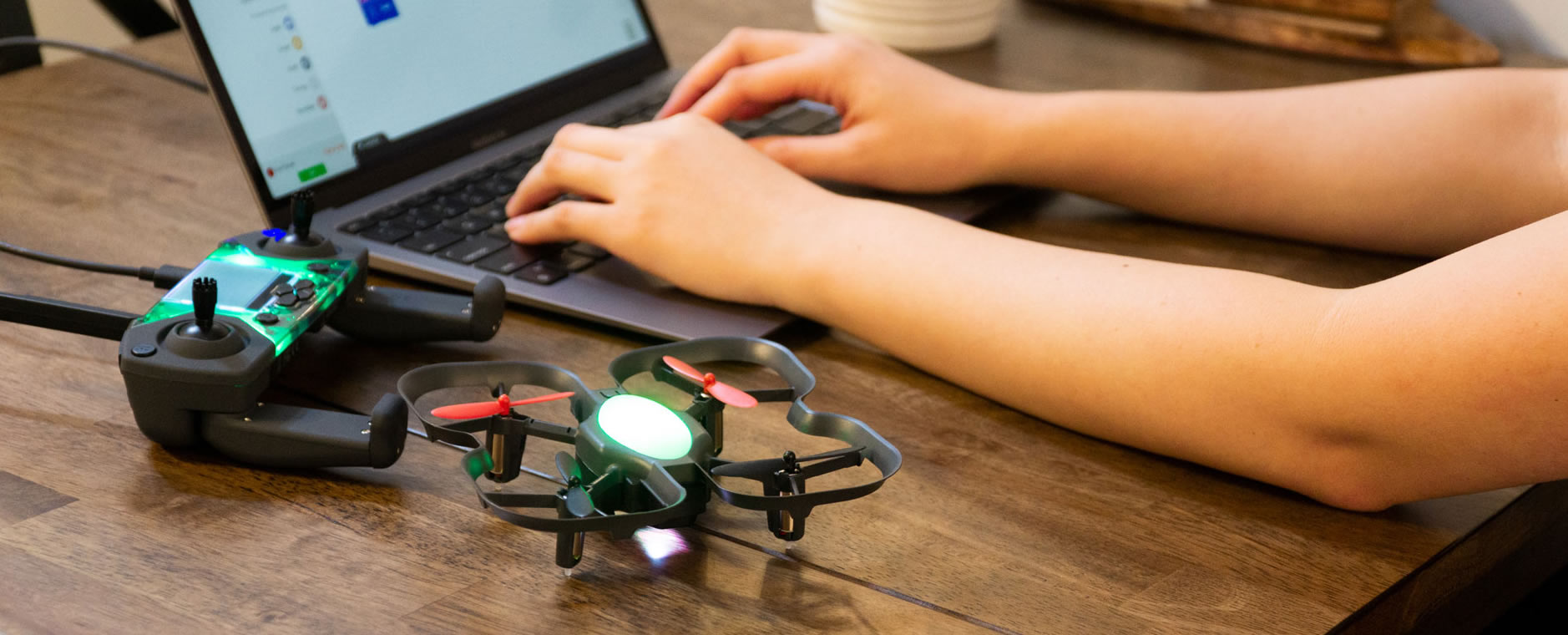
The CoDrone EDU is a programmable drone, meant for learning in the classroom. Code it in Python or start from the basics with block-based coding. Unique to this drone are its color sensors, a front range sensor, a bottom range sensor, among others—all usable in code. With a durable and safe frame, programmable lights, and access to its 7 sensors, it's an excellent learning tool and a great way to learn coding and engineering skills.

Your control hub for everything related to coding the CoDrone EDU.
Start Here
Whether you’re new to drones or an experienced drone pilot, we recommend everyone start with our Getting Started course.
Videos every CoDrone EDU pilot should be familiar with

Welcome to Robolink Learn

Getting to Know Your CoDrone EDU
Before You Fly

Powering On and Pairing
Charging your Batteries
The Controller (Part 1): Features

The Controller (Part 2): Settings
Replacing Motors (standard edition)
Replacing Motors (JROTC edition)
Replacing Propellers
Trimming Your Drone

Connecting to a Computer for Coding
Replacing the Frame
Replacing the Bottom (JROTC edition)
Python for Robolink Tour
Blockly for Robolink Tour
Using Your CoDrone EDU Controller (Part 3): Displays
What would you like to learn with CoDrone EDU?
Whether you’re new to drones or an experienced drone pilot, we recommend everyone start with our Getting Started course.
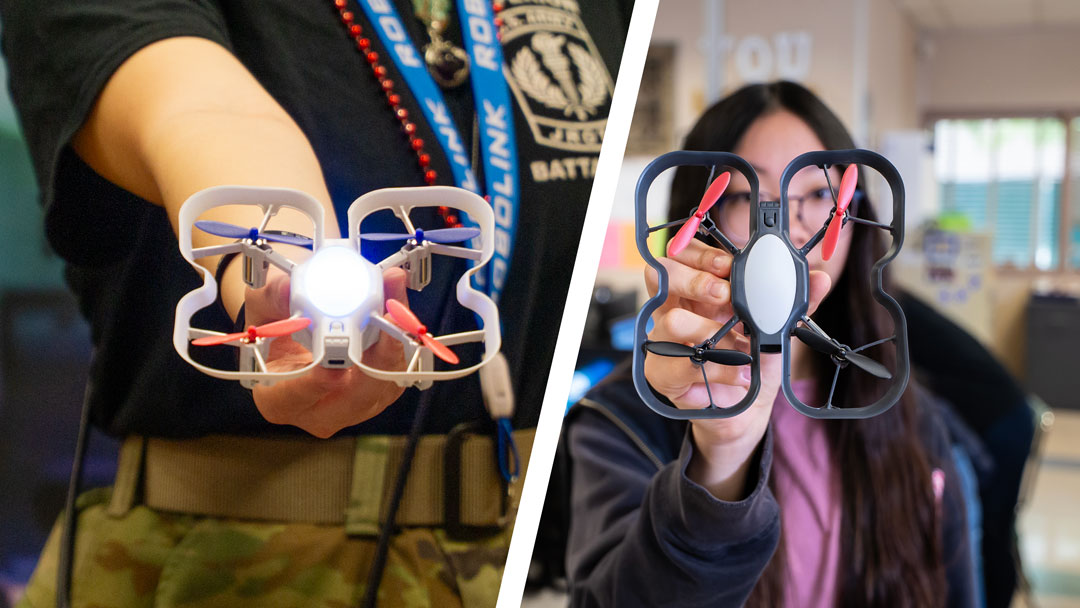
Getting Started with CoDrone EDU
Whether you are a seasoned pilot or a beginner, this course will go through all of the drone basics, including safety an...

Python and CoDrone EDU
This course is designed to introduce students to Python programming in a way that is approachable for beginners while st...
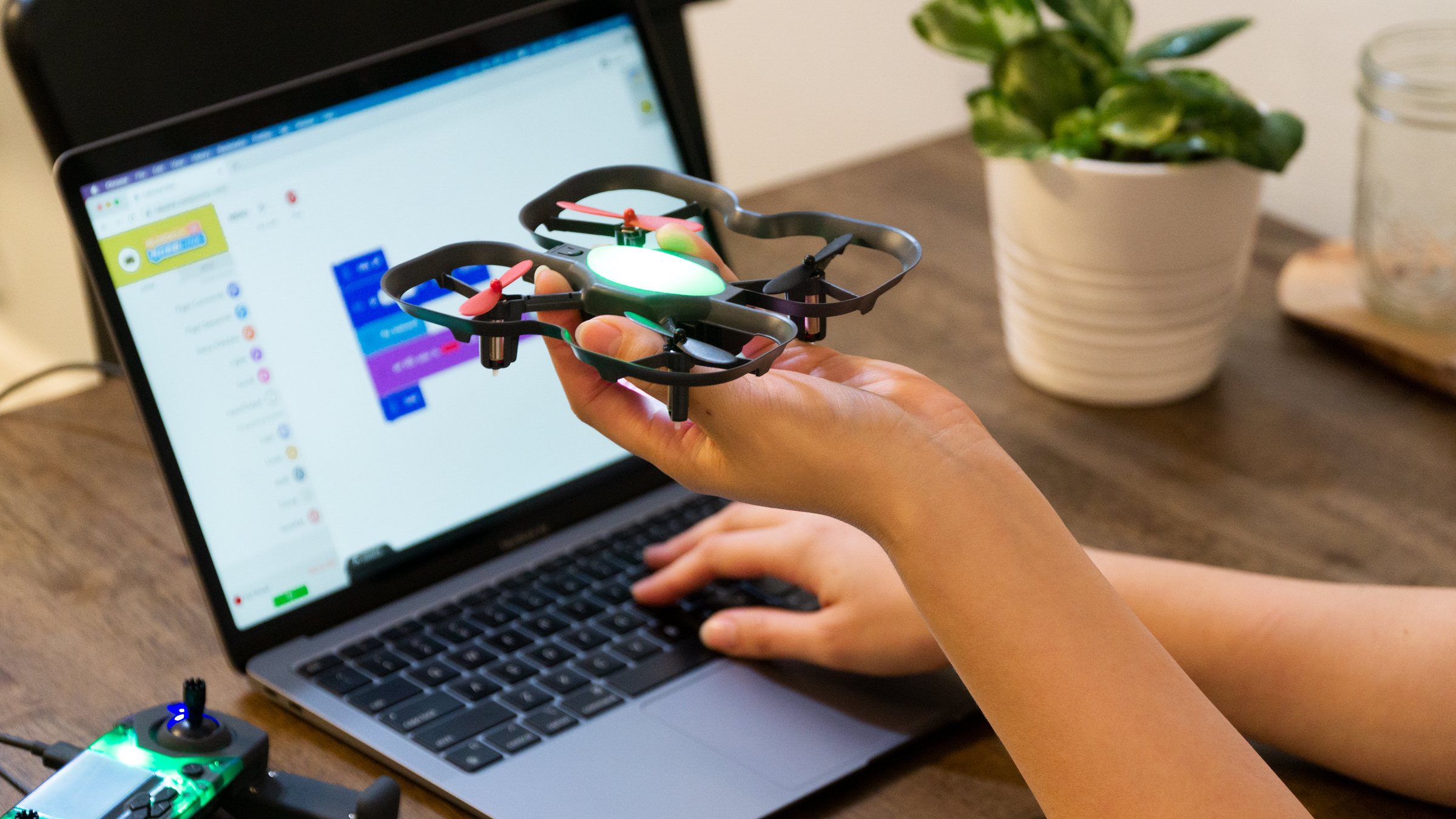
Blockly and CoDrone EDU
In this course, we will start by introducing you to your CoDrone EDU, ensuring you know how to fly safely, and helping y...

Camp with Blockly
Whether you are looking for an accelerated path or participating in a camp outside of school, this course will give you...